Live TV Streaming Options in the US: An Honest Comparison
Comparing live TV streaming options has become harder, not easier, as American households gain more choices. Antennas are back, cable still exists, and online bundles now compete with free ad-supported channels and IPTV subscriptions. This guide explains how each model works, what it costs in broad terms, and how to choose for your household.
We run SetIPTV, so we have an obvious interest in one of these options. That said, IPTV is not the right answer for every home, and we will point out where other routes make more sense. We also leave out prices for other providers, because those change often and vary by ZIP code.
The main live TV streaming options in the US
Over-the-air antenna
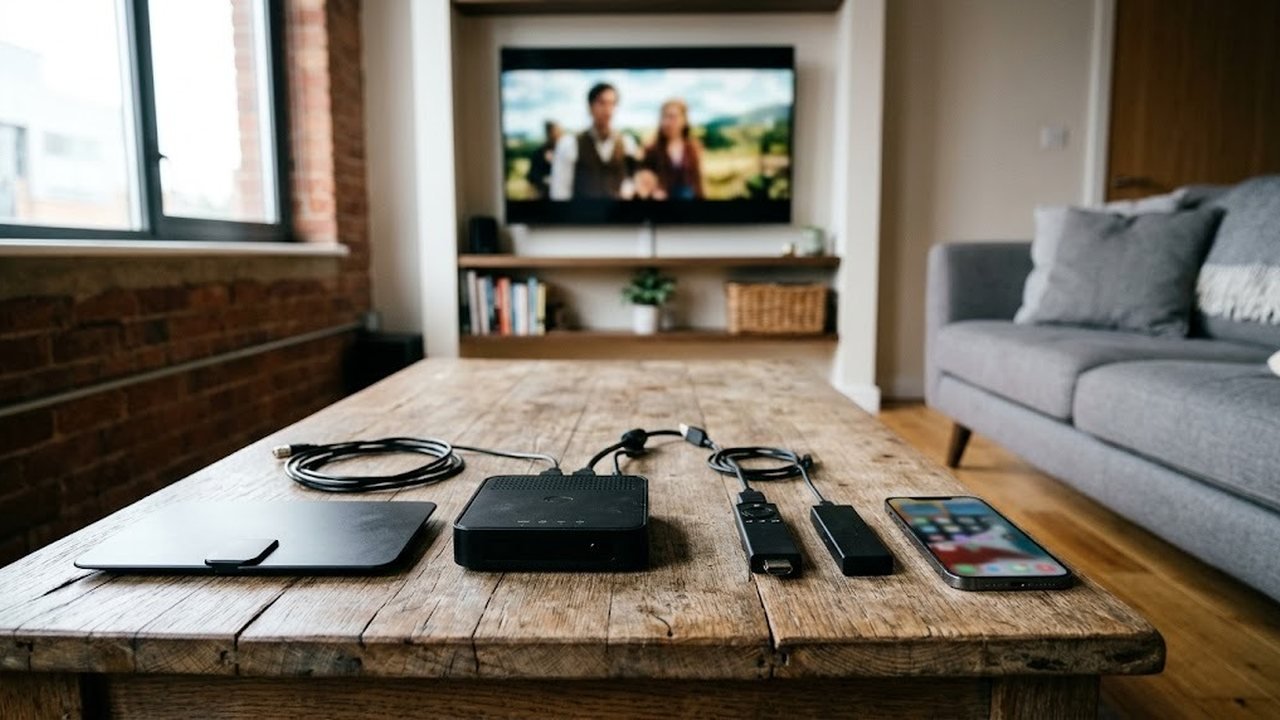
An indoor or rooftop antenna picks up free broadcast signals from local network affiliates. You pay once for the hardware, and there is no monthly bill. However, reception depends on distance from the towers, terrain and building materials. Channel choice is also limited to local stations and their subchannels. See Wikipedia’s terrestrial television page for how broadcast signals work.
Cable and satellite
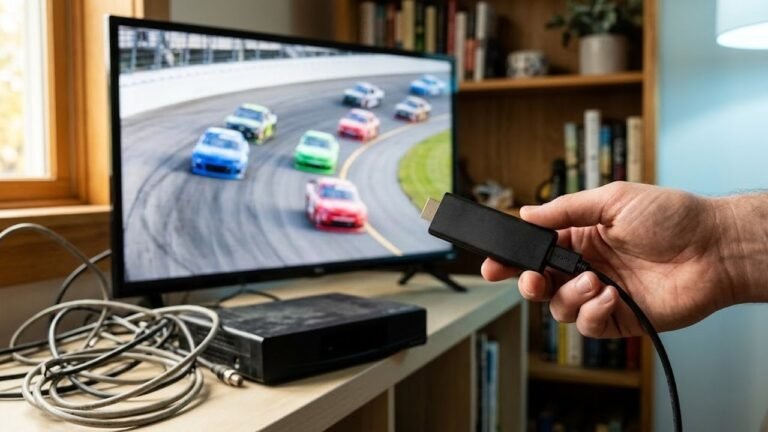
Traditional pay TV delivers a large lineup through a coaxial cable or a dish. It is reliable and familiar, especially for viewers who want a simple remote. On the other hand, it usually involves equipment rental, regional sports fees, and often a contract or promotional rate that rises later. Our comparison of IPTV vs cable goes deeper into that trade-off.
Live TV streaming bundles
Several large companies sell internet-delivered bundles of national cable networks and local channels. These run on apps for smart TVs, phones and streaming sticks, and most are month to month with no contract. Meanwhile, their monthly prices have climbed toward cable levels, and local channel availability depends on your market. Most also limit how many screens can stream at once.
Free ad-supported streaming channels
Free streaming TV services offer hundreds of linear channels paid for by ads. They are great for background viewing, classic shows and niche genres. Still, they rarely carry live local news from your own city, premium sports packages or recent prime-time series. Think of them as a supplement rather than a full replacement.
IPTV subscriptions
An IPTV subscription streams live channels and on-demand titles to a player app over your home internet. With SetIPTV, you get US local news and network affiliates, entertainment, live sports channels, Spanish-language and international categories. A VOD library and a 7-day program guide come with every plan. Because the service runs on your broadband, quality depends on your connection and your device.
Comparing cost, channels, contracts and devices
| Option | Cost model | Channel breadth | Contract | Devices |
|---|---|---|---|---|
| Antenna | One-time hardware purchase | Local broadcast stations only | None | Any TV with a tuner |
| Cable or satellite | Monthly bill plus equipment and fees | Large national and local lineup | Often a term or promo period | Set-top box, some apps |
| Streaming bundle | Monthly subscription | National networks plus most locals | Usually none | Smart TVs, sticks, phones |
| Free ad-supported | Free, paid by ads | Many niche channels, few live locals | None | Smart TVs, sticks, browsers |
| IPTV with SetIPTV | One-time payment for 1, 3, 6 or 12 months | US, sports, Latino and international categories plus VOD | None, no auto-renewal | Smart TVs, Fire TV, Android, Apple, MAG, PC |
Prices for third parties are left out on purpose. Instead, check each provider’s current rate for your ZIP code, then add taxes, equipment and sports fees before comparing. For SetIPTV, the full plan list sits on our IPTV monthly subscription page.
How to choose for your household
Start with what your family actually watches, not with the longest channel list. Then match those habits to the model that fits.
- Mostly local news and network shows: an antenna may cover nearly everything for free.
- One sports fan and a simple remote: cable or a streaming bundle keeps things familiar.
- Background TV on a tight budget: free ad-supported channels work well alongside an antenna.
- International or multilingual viewing: IPTV usually offers far more language categories, as our guide to Indian channels in the US shows.
- Several TVs and a mixed lineup: IPTV with 2 or 3 connections can cover US locals, sports and VOD on one login.
Questions to ask before you switch
First, how fast and stable is your home internet? Bundles, free streaming channels and IPTV all need a solid connection, ideally wired for the main TV. Next, which devices do you already own? In addition, consider who in the house will use the remote, because a complex app can frustrate older viewers. Finally, decide whether you prefer a monthly bill or a one-time payment.
Where SetIPTV fits among live TV streaming options
SetIPTV is a good fit when you want a broad lineup on several devices without a contract. It suits families who mix US locals with Spanish-language or international channels. It also works for travelers who want to watch US TV abroad, and for cord-cutters who already own a Fire TV Stick or Smart TV. You can test it with a free trial on WhatsApp before paying.
However, it is not ideal for every home. If your internet is slow or shared by many heavy users, an antenna or cable may be steadier. Likewise, if you only watch two or three local channels, a one-time antenna purchase is hard to beat. Our refund policy covers genuine service issues reported within 24 hours of payment, so the free trial is the smart way to check fit first.
Many households combine options. For example, an antenna for local news plus an IPTV subscription for sports, international channels and movies covers a lot of ground. Mixing live TV streaming options this way often works better than forcing one service to do everything.
Get your IPTV subscription from SetIPTV when you are ready to try it. Start on the SetIPTV homepage, compare plans on the pricing page, or ask us anything through the contact page. You can also browse more IPTV guides for setup help.
Frequently asked questions
What is the cheapest way to watch live TV in the US?
An over-the-air antenna has no monthly bill and covers local broadcast stations. Free ad-supported streaming channels can add more variety at no cost.
Do live TV streaming bundles require a contract?
Most online bundles are month to month and can be stopped at any time. Check each provider's current terms, because prices and local channel coverage vary by market.
How is IPTV different from a live TV streaming bundle?
IPTV delivers live channels and on-demand titles to a player app of your choice. With SetIPTV, plans are one-time payments with no auto-renewal and include international categories.
Can I combine an antenna with an IPTV subscription?
Yes. Many households use an antenna for local news and IPTV for sports, international channels and movies on several TVs.