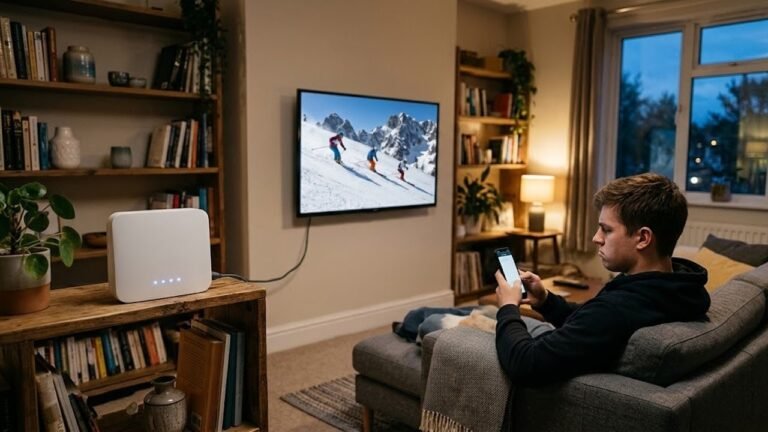
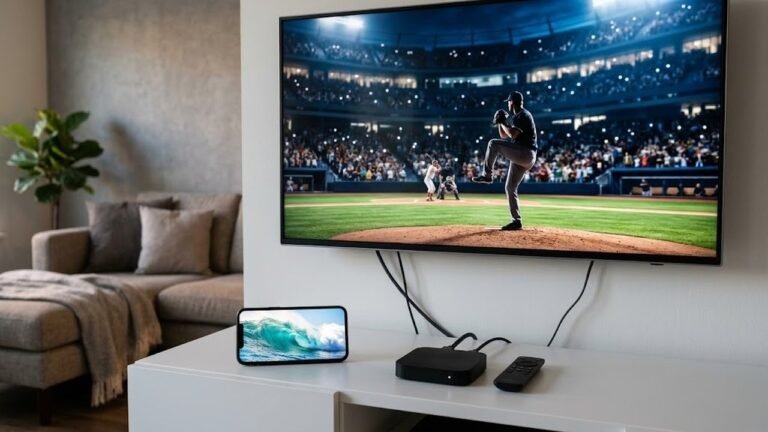
IPTV on Firestick USA: 8K Player Setup and Fixes
Setting up IPTV on Firestick USA models takes about ten minutes, and you only do it once. A Fire TV Stick is small, affordable and easy to find in US stores. That makes it a popular first screen for a SetIPTV plan. This guide walks through the free 8K Player, your Xtream codes login, the program guide and the habits that keep streams smooth.
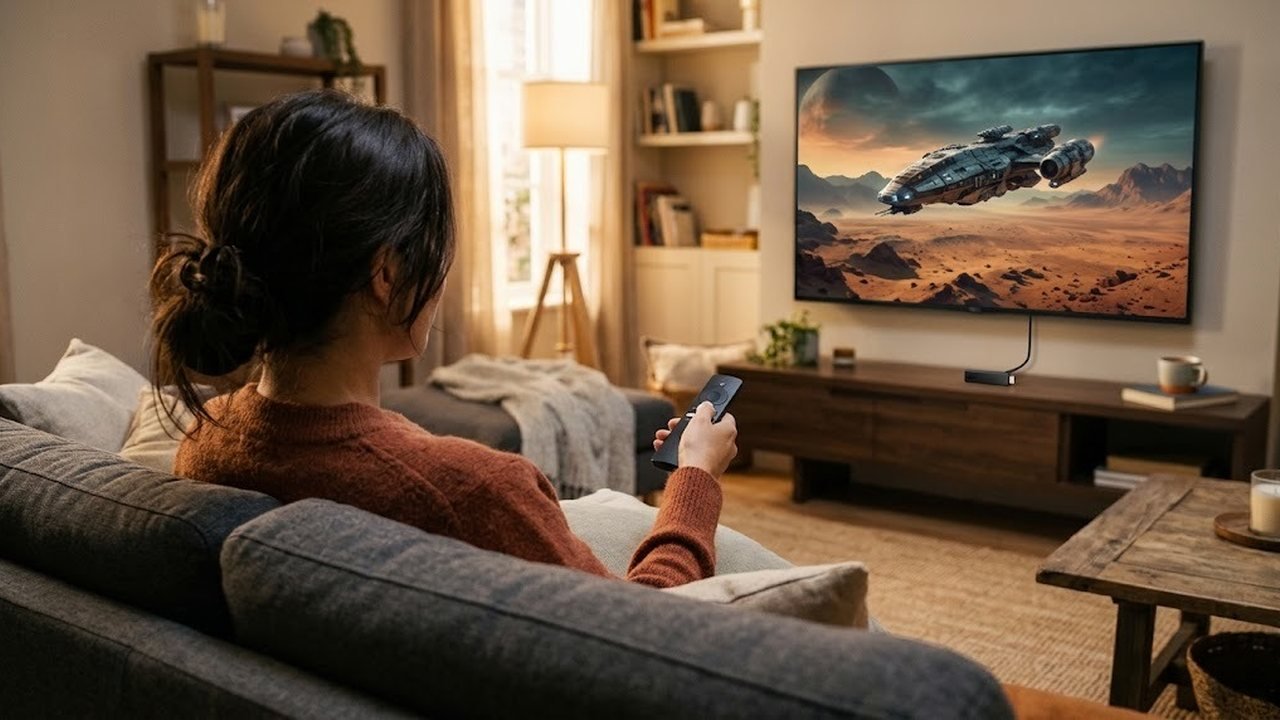
Because Fire TV menus change slightly between updates, the labels on your screen may differ a little. Still, the order of the steps stays the same on every model, from the basic stick to the 4K versions and the Cube.
Before you start your Firestick IPTV setup
- A Fire TV Stick, Fire TV Cube or Fire TV Smart TV, signed in and online.
- Your SetIPTV welcome message with the Xtream codes: server URL, username and password.
- The 8K Player download link or code, which support includes with your login.
- Some free storage, so the app and its cache have room to work.
If you have not ordered yet, request a free trial and test everything below before paying.
How to install IPTV on Firestick USA devices step by step
1. Install a file-downloader app
Fire TV cannot open web links on its own, so you need a small helper. Open the Appstore search, type “downloader” and install a free file-downloader app with solid ratings. Such apps simply fetch a file from a link or short code, then hand it to Fire TV for installation.
2. Allow apps from unknown sources
The 8K Player is free for Android and Fire TV, but it is not listed in the Appstore. Therefore, Fire TV needs your permission to install it. To begin with, open Settings, then My Fire TV. If Developer Options is missing, open About and click the device name seven times until a message confirms it.
Next, return to My Fire TV, open Developer Options and choose “Install unknown apps”. Switch it on only for the downloader app. That way, no other app gains the same permission.
3. Install the 8K Player
Open the downloader app and enter the link or code that support sent with your login. After the file downloads, Fire TV shows an install screen, so select Install and then Done. Finally, delete the installer file when the app offers to, because it only takes up space.
Once the player works, you may switch “Install unknown apps” back off. Player updates will then need the permission again, but your device stays tidier in the meantime.
Entering your Xtream codes in the Firestick IPTV player
Open the 8K Player and choose the Xtream codes login. Then type the server URL, username and password exactly as written in your welcome message. Capital letters matter, and so does the “http://” at the start of the server address.
The first sync loads live channels, movies and series into separate sections, so give it a minute. In addition, name the profile if the app asks, which helps when several people share one stick. Prefer an M3U link instead? Our USA IPTV M3U playlist guide explains the difference.
Loading the EPG program guide
With Xtream codes, the 7-day EPG normally arrives automatically. After the first sync, open the TV guide view and scroll to a few favorite channels to confirm that show names appear. If one channel stays blank, wait for the next refresh before changing anything.
Also check the guide’s time zone. US viewers span several zones. So, a guide that runs three hours off usually means the app uses Eastern time on a West Coast TV. The IPTV USA EPG article covers this and other guide fixes in more depth.
Firestick remote tips for faster IPTV browsing
- Favorites first: long-press a channel and add it to favorites, so your daily channels sit in one short list.
- Hide groups: in settings, hide the groups you never use. As a result, menus open faster.
- Zap without the list: during playback, press up or down on the ring to change channels.
- Search inside the app: the voice button searches the Fire TV home screen, not the player, so use the app’s own search box.
- Back button: one press hides the info bar, while a second press returns to the list.
Keeping your Firestick and IPTV player updated
Updates fix bugs and improve video decoding, so check for them every month or two. On Fire TV, go to Settings, My Fire TV, About, then Check for Updates. Meanwhile, the 8K Player usually announces a new version inside the app; if it does not, support can send the latest link.
Before any big update, note your Xtream details somewhere safe. That way, a reinstall takes two minutes instead of a search through old messages.
Fixing IPTV storage and buffering problems on a Firestick
Most buffering complaints about IPTV on Firestick USA setups come down to three causes: low storage, weak Wi-Fi or an overloaded stick. Fortunately, each one has a quick fix.
Free up storage
Basic sticks have little internal storage, and a full drive slows everything down. Go to Settings, Applications, then Manage Installed Applications. Uninstall apps you no longer use, and clear the cache of the 8K Player. Clearing its data, by contrast, would log you out.
Improve the connection
Fire TV sticks sit behind the TV, where Wi-Fi is weakest. For this reason, the included HDMI extender is worth using, because it moves the stick clear of the panel. Even better, an Ethernet adapter gives you a wired connection for a few dollars. Also, choose the 5 GHz network if your router offers one.
Restart and test
Fire TV rarely restarts by itself, so memory fills up over days. Hold Select and Play together for about five seconds to reboot. Afterward, run a speed test from a browser app. If the result is far below your plan, restart the router too. When only one channel buffers while others play fine, that single stream is the issue, so tell support which one.
Buffering at busy hours? Then our explainer on whether your ISP can block IPTV helps you spot throttling.
Get your IPTV subscription from SetIPTV
Running IPTV on Firestick USA screens is easier with a login that activates within minutes. Get your IPTV subscription from SetIPTV, then pick 2 or 3 devices at checkout if the family has more than one stick. Plans are one-time payments with no auto-renewal, and every option is listed on the IPTV monthly subscription page. Also, the team answers setup questions on WhatsApp and through the contact page, and the IPTV setup guide covers other devices.
For background on the hardware, see the Amazon Fire TV article on Wikipedia.
Frequently asked questions
Is the 8K Player free on Fire TV?
Yes. The 8K Player is free for Android and Fire TV, and support sends the download link or code together with your login.
Is it safe to allow apps from unknown sources?
Allow it only for the downloader app you use, and only install files from links you trust. You can switch the option off again once the player is installed.
Why does my Fire TV Stick buffer in the evening?
Evening buffering usually comes from busy home Wi-Fi or a full stick. Restart the device, clear the player cache and try a wired adapter before contacting support.
Can I use my login on two Fire TV Sticks?
Yes, if your plan includes two devices. Select 2 or 3 devices during checkout; the 12-month plan gets cheaper as you add screens.