IPTV on Roku: An Honest Guide to What Works
Getting IPTV on Roku is less simple than on other streaming devices, and it helps to know why before you buy anything. Roku runs its own closed system, so most popular IPTV players are not available there. This guide explains the honest options, their trade-offs and what SetIPTV recommends.
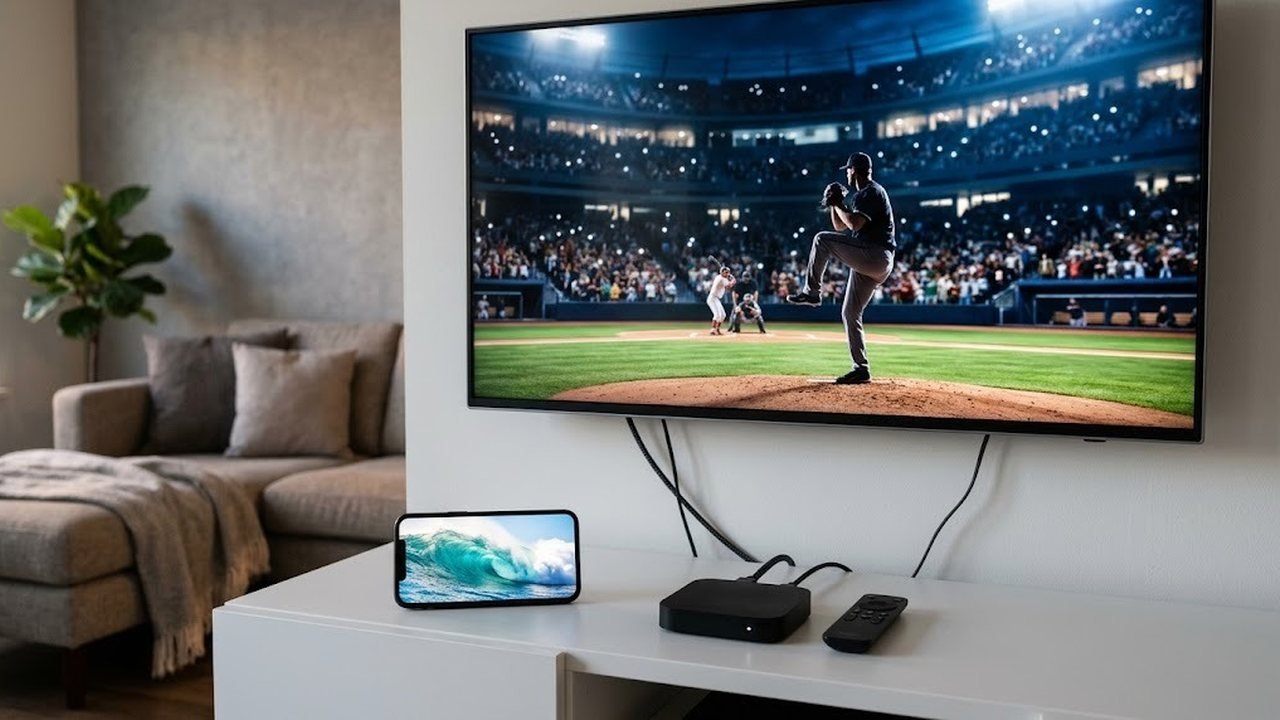
The short version: Roku can work, but a small add-on device usually works better. Below, you will see exactly why.
Why IPTV on Roku is limited
Roku devices only install apps from the Roku Channel Store. Unlike Android TV or Fire TV, they do not let you install a player from a download link. As a result, the apps most IPTV viewers rely on, including our free 8K Player, cannot run on Roku.
The store also changes over time. Players that accept an M3U link appear now and then, but some are removed later. For that reason, we never promise that a specific Roku app will stay available.
We also do not recommend developer-mode tricks or other sideloading hacks. They are fragile, break after firmware updates and can leave your TV unstable.
Option 1: Roku IPTV setup with screen mirroring
Most Roku models accept screen mirroring. First, turn it on under Settings, then System, then Screen mirroring. Next, start casting from an Android phone or a Windows PC, and play your channels in an IPTV app on that device.
Some newer Roku models also accept AirPlay from an iPhone or iPad. Check your model’s settings, since support varies by device.
Pros and cons of mirroring
Mirroring is handy for a quick test, but it has clear limits.
- No extra hardware is needed, and setup takes minutes.
- You keep the full app, guide and search on your phone or PC.
- However, the phone must stay awake and nearby the whole time.
- Picture quality often drops, and fast sports can stutter.
- Also, calls and alerts can interrupt the stream.
Getting a smoother mirrored picture
A few settings help a lot. First, put the phone or laptop on the 5 GHz Wi-Fi band, close to the router. Next, turn on Do Not Disturb so notifications stay off the TV. Keep the phone plugged into a charger, since mirroring drains the battery quickly.
On Windows, use the Connect panel and choose your Roku from the list. If the picture lags behind the sound, lower the stream quality in the IPTV app. In our experience, a stable 720p mirror looks better than a stuttering 1080p one.
Option 2: an M3U IPTV player from the Roku store
From time to time, the Roku Channel Store lists players that can open an M3U link. If one is available in your region, install it, then paste your playlist link in its settings. Our USA IPTV M3U playlist guide explains what the link contains.
These channels can handle basic live viewing. However, many lack a full 7-day guide, catch-up or an Xtream login. Some also charge a fee or show ads, and updates can be irregular.
What to check before you rely on one
- Read recent store reviews for stability.
- Confirm it shows a program guide, not just a channel list.
- Test it with a free trial login before you buy a plan.
Option 3: add a Fire TV Stick or Android TV box
This is the route we recommend for IPTV on Roku TVs. Plug a Fire TV Stick or an Android TV box into a spare HDMI port on the same television. Then switch inputs when you want live TV, and keep Roku for its own apps.
Because these devices run Android-based software, they install our free 8K Player directly. You get the Xtream login, the 7-day EPG, catch-up where available and the full on-demand library. Plus, a basic stick is an inexpensive, one-time purchase.
Setup takes about ten minutes. Follow the IPTV on Firestick in the USA walkthrough, or use the general IPTV setup guide for Android boxes.
Pros and cons of a separate device
- You get the most stable picture and the full feature set.
- The remote and guide feel like a normal cable box.
- On the downside, it costs a little up front.
- It also uses one HDMI port and adds one more remote.
Many Roku TVs can switch inputs automatically when the stick powers on, thanks to HDMI-CEC. Turn that option on in the TV’s system settings. After that, pressing the stick’s remote wakes the TV and jumps straight to live channels.
What we recommend for IPTV on Roku households
For a quick test, mirroring from an Android phone or Windows laptop is fine. For daily viewing, though, a Fire TV Stick or Android TV box beside your Roku gives a far better experience. We suggest an M3U store channel only if one is available and works well during your trial.
Whatever you choose, test it first. Ask for a free trial on WhatsApp, try your locals and live sports channels at peak time, and check the guide. Our IPTV USA free trial article lists exactly what to test.
Also remember that a SetIPTV plan covers one device by default. If you want the Roku TV in the living room and a phone in the bedroom, choose 2 or 3 devices at checkout instead.
Get your IPTV subscription from SetIPTV
Start on the SetIPTV homepage to see channels, devices and features. Next, compare one-time plans from $12.99 on the IPTV monthly subscription page, with no auto-renewal. Questions about your Roku setup? Message the team through the SetIPTV contact page, and they will suggest the right option for your TV.
To learn more about the platform itself, see the Roku article on Wikipedia.
Frequently asked questions
Can I install the 8K Player on Roku?
No. Roku only installs apps from its own store, and our 8K Player runs on Android and Fire TV. A Fire TV Stick or Android TV box plugged into your Roku TV is the easiest fix.
Does screen mirroring work for live TV?
It works for a quick test from an Android phone or Windows PC. For daily viewing, picture quality and stability are usually lower than with a dedicated device.
Is there an M3U app in the Roku store?
Players that accept an M3U link appear in the Roku Channel Store from time to time, but availability changes. Test any of them during a free trial before buying a plan.
Do I need a second device on my plan to use Roku and a phone?
Yes, if both will stream at the same time. Plans include one device by default, and you can choose 2 or 3 devices at checkout.